Behind the Scenes: CGI Commercial Production (2026)
A plain-English walkthrough of how CGI commercials are produced, from brief to final render, including tools, timelines, cost drivers and common problems.
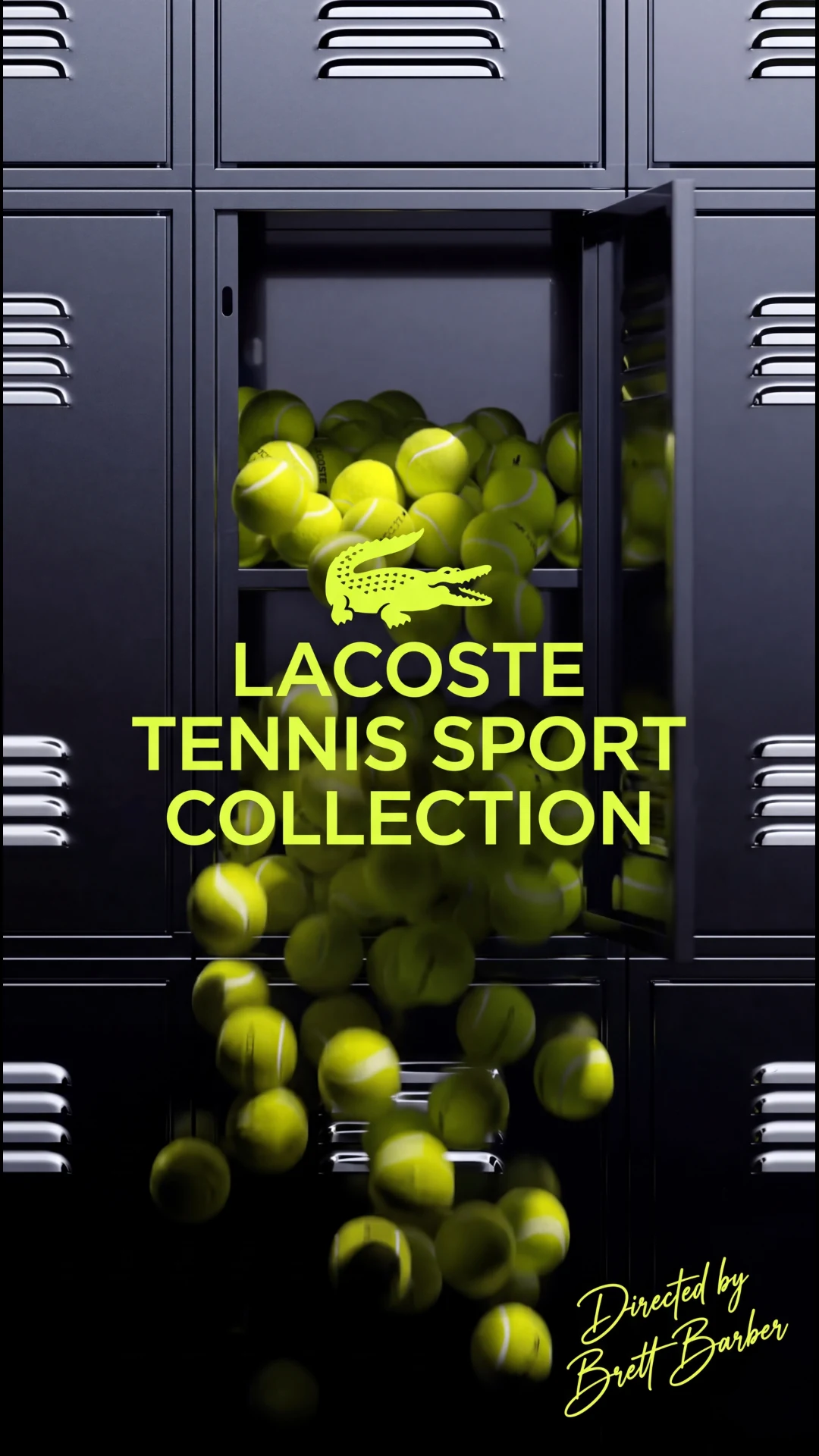
Behind the Scenes: CGI Commercial Production (2026)
A CGI commercial is made in a series of stages: brief, storyboard, 3D modeling, animation, lighting, rendering, compositing and sound. A short product spot can take a few days, and a larger one two to three weeks or more. Cost and time are driven by product complexity, length and the number of revision rounds. The most reliable way to control both is to approve the storyboard before production starts.
The CGI Commercial Pipeline
1. Brief and discovery
Everything starts with a conversation. We need to know:
- What the ad is for: launch, awareness, a sale or a store listing.
- Where it will run: social, YouTube, TV, in-store screens or a website.
- Length and formats: 6, 15, 30 seconds, vertical, square or widescreen.
- Product files: CAD, existing 3D models, packaging art or clear photos.
- Style references: ads or films you like, and ones you do not.
A good brief saves more time than any tool.
2. Concept and storyboard
The concept is the idea in one or two sentences. The storyboard turns it into a sequence of frames with camera angles, timing and notes. Many studios also make an animatic, a rough moving version with placeholder visuals and timing. This is the cheapest moment to change your mind. Moving a shot at this stage costs minutes; moving it after rendering can cost days.
3. Modeling
Artists build the product and environment in 3D. Where CAD data exists, it is cleaned and converted into a render-friendly model. Where it does not, the product is modeled from photos, drawings and measurements. Detail matters: bevels on edges, label curvature, thread on caps. Small details are what make a render look real.
4. Texturing and materials
Materials define how surfaces react to light: glossy plastic, brushed metal, frosted glass, liquid, fabric. Labels and artwork are mapped carefully so logos and text stay crisp. Reference photos of the real product help match color and finish.
5. Animation and simulation
This stage covers camera moves, product motion and any effects:
- Keyframe animation: parts rotate, open, assemble or fly.
- Camera work: dollies, orbits and macro pushes that real cameras struggle with.
- Simulation: liquid pours, splashes, cloth, smoke, particles and soft bodies.
Simulations are the slowest and most unpredictable part, which is why they should be planned in the storyboard.
6. Lighting
Lighting makes or breaks realism. Artists set up virtual studio lights, reflections and shadows, often using HDRI environment maps for natural reflections. The goal is for the product to feel solid and present, not floating in space.
7. Rendering
Rendering turns the 3D scene into images, frame by frame. A 30-second video at 24 frames per second is 720 frames. If each frame takes several minutes, the render time adds up quickly, which is why render power matters.
8. Compositing and finishing
Rendered passes (color, reflections, shadows, depth) are combined, graded and polished. Motion blur, glow, lens effects, text and logo end cards are added. The finish is where separate pieces start to feel like one film.
9. Sound and delivery
Music, sound effects and voiceover are mixed, then the video is exported for each platform: widescreen, vertical, square and short cutdowns. Final delivery includes the formats and file types agreed in the brief.
How Long Does It Take?
Timelines depend on length, complexity and feedback speed.
| Project | Typical duration | Main time drivers | |---|---|---| | Short product loop (up to 15 s) | 1-2 days | Simple modeling | | Standard product spot | 3-7 days | Modeling and animation | | Detailed product film | 1-2 weeks | Complex materials, camera work | | Hero commercial with simulations | 2-3 weeks | Simulation and render time | | Large campaign | Custom | Scope and approvals |
Slow feedback is the most common cause of delay. Gather approvals from everyone on your side before sending notes.
What Tools Do CGI Studios Use?
Tool choice varies by studio and project. Common examples in the industry include:
- Modeling and animation: Blender, Maya, Cinema 4D, 3ds Max.
- Simulation and effects: Houdini, Blender physics, EmberGen.
- Materials: Substance 3D tools.
- Rendering: Cycles, Arnold, Redshift, V-Ray, Unreal Engine for real-time work.
- Compositing and editing: After Effects, Nuke, DaVinci Resolve, Premiere Pro.
The software matters less than the artist's eye. A skilled artist in any of these can produce excellent results.
Common Production Problems and Fixes
- Product looks fake: usually lighting, missing edge detail or flat materials. Fix with better reference and more reflection control.
- Simulation goes wrong: liquids and cloth need testing. Run low-resolution tests before the final.
- Logo or text warps: label mapping needs care. Provide vector artwork.
- Revisions pile up: too many late changes. Lock the storyboard and the product look early.
- Render takes too long: optimize geometry, sampling and lighting, or use more render power.
Where AI Fits in 2026
AI tools are now used in parts of production: concept images, reference gathering, rotoscoping help, cleanup and upscaling. They do not replace the core pipeline for accurate product work, because brands need exact logos, proportions and materials. Our approach is to use new tools where they save time on routine tasks and keep artists in control of the final look.
What Does CGI Commercial Production Cost?
Industry prices span a wide range: freelancers often charge a few hundred to a few thousand dollars per spot, while agencies commonly quote much more for full campaigns. What shapes the cost is the length of the piece, how complex the product and scenes are, how many products or scenes are involved, whether it needs simulations such as liquids or cloth, how many revision rounds you want and how tight the deadline is. Timelines range from 1-2 days for a short product loop to two or three weeks for a complex spot.
Every project is quoted after a short call. DM us on Instagram or book a call and we'll scope it and send a fixed quote. See our 3D animation service for scope, and cinematic commercials for larger spots.
How to Prepare as a Client
You can speed up any CGI project with a little preparation:
- Send one organized folder with product files, logos, packaging art and references.
- Name a single contact who collects feedback from your team.
- Review in the right setting. Watch drafts on the device your audience uses, often a phone.
- Give specific notes. "Slow the camera move in shot 3 by half" is more useful than "make it more dynamic."
- Approve in order. Confirm storyboard, then model, then look, then animation. Do not skip back unless necessary.
Our client portal at animateandcreate.app keeps files, drafts and feedback in one place so nothing gets lost in email threads.
What Happens After Delivery
A CGI project does not have to end at export. The 3D assets can be reused for new cutdowns, seasonal updates, new colors and still images. Ask for the project files or a reuse plan when you scope the work so you can extend the campaign later without starting from zero.
How to Get Started With Animate & Create
Getting a quote is simple. Send a short message describing your product or idea, the platforms where the video will run and your target date. Attach any files you have, such as CAD or 3D models, photos, vector logos and references. We review everything, scope the work on a short call and send a fixed quote that confirms the timeline and what is included before work begins. Projects are then managed through the client portal at animateandcreate.app, where you can review drafts and send feedback. Animate & Create is founder-led by Brett, based in Pittsburgh, PA, and works with clients worldwide. You can also email info@animateandcreate.net.
Quick Recap
Plan the message first, supply the best source files you have, approve the storyboard and look tests early, and reuse your 3D assets across formats. Those four habits keep cost, timeline and quality predictable on almost any animation project.
FAQ
What is the typical budget for a CGI commercial?
It ranges from under a few hundred dollars for a short loop to many thousands for a detailed hero spot across the industry. At Animate & Create the cost depends on length, complexity, number of products or scenes, simulations, revisions and deadline. Every project is quoted after a short call: DM us on Instagram or book a call and we'll send a fixed quote.
How long does a 30-second CGI commercial take?
Usually one to three weeks, depending on complexity. Simple product shots with light animation sit at the short end, while spots with liquid or cloth simulation and several environments take longer.
What do I need to provide?
CAD or 3D files if you have them, otherwise clear photos, dimensions and packaging artwork. Also send your logo as vector artwork, brand colors and any references. The more precise the inputs, the more accurate the result.
How many revisions are included?
Revision rounds are agreed at the start of the project. In our experience, one to two rounds is typical when the storyboard is approved first. Changes to approved concepts may affect the quote and timing.
Can AI replace a CGI pipeline?
Not for accurate product work. AI is useful for ideas, reference and some cleanup, but products need exact geometry, logos and materials. A pipeline gives you control over every frame.
Have a product that needs a commercial? DM us on Instagram or book a call with your brief and we'll scope it and send a fixed quote and timeline.
Related: Brand film production
About the author: Brett Barber, Creative Director & Founder at Animate & Create.
94% of marketers agree that video content has helped increase user understanding of their product or service.
Wyzowl
Most video marketers report that video gives them a positive ROI.
Wyzowl
96% of people have watched an explainer video to learn more about a product or service.
Wyzowl
79% of consumers prefer watching a video to reading about a product.
Wyzowl
Viewers retain 95% of a message when watching video compared to 10% when reading text.
Wyzowl
Frequently asked questions
What is the typical budget for a CGI commercial?
It ranges from under a few hundred dollars for a short loop to many thousands for a detailed hero spot across the industry. At Animate & Create the cost depends on length, complexity, number of products or scenes, simulations, revisions and deadline. Every project is quoted after a short call: DM us on Instagram or book a call and we'll send a fixed quote.
How long does a 30-second CGI commercial take?
Usually one to three weeks, depending on complexity. Simple product shots with light animation sit at the short end, while spots with liquid or cloth simulation and several environments take longer. The exact answer depends on your product, scope and deadline, so each project is scoped individually. Book a short call at animateandcreate.net/contact and you will get a fixed quote.
What do I need to provide?
CAD or 3D files if you have them, otherwise clear photos, dimensions and packaging artwork. Also send your logo as vector artwork, brand colors and any references. The more precise the inputs, the more accurate the result. The details depend on your product and scope. Book a short call at animateandcreate.net/contact and you will get a fixed quote.
How many revisions are included?
Revision rounds are agreed at the start of the project. In our experience, one to two rounds is typical when the storyboard is approved first. Changes to approved concepts may affect the quote and timing. The details depend on your product and scope. Book a short call at animateandcreate.net/contact and you will get a fixed quote.
Can AI replace a CGI pipeline?
Not for accurate product work. AI is useful for ideas, reference and some cleanup, but products need exact geometry, logos and materials. A pipeline gives you control over every frame. Have a product that needs a commercial? DM us on Instagram or book a call with your brief and we'll scope it and send a fixed quote and timeline.
References
- The State of Video Marketing 2024 — Wyzowl (2024). https://www.wyzowl.com/
- The Economic Impact of the U.S. Animation Industry — Motion Picture Association (2022). https://www.motionpictures.org/
- Digital Media Trends Survey — Deloitte (2023). https://www2.deloitte.com/us/en/insights/industry/technology/digital-media-trends-survey.html
- Online Video Statistics and Trends — Statista (2024). https://www.statista.com/