Animate University: The Animate & Create 3D Product Animation Course
Animate University is the Instagram learning channel of the Animate & Create Academy. Here is what the Academy teaches, how its tracks and levels are organized, and how to get the free lessons.
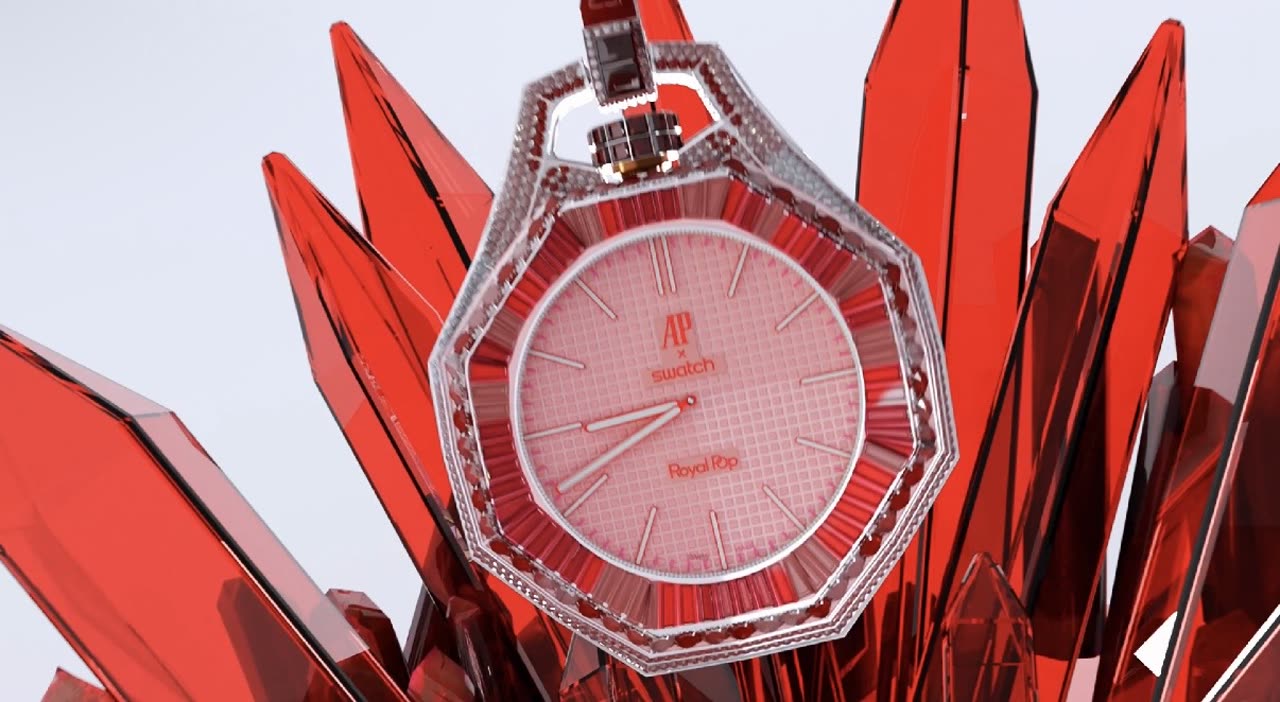
Animate University: The Animate & Create 3D Product Animation Course
Animate University (@animateuniversity on Instagram) is the learning channel of the Animate & Create Academy, an online course that teaches how to make 3D product videos and character videos that hold attention in a feed. The Academy has two video tracks (Product Videos and Character Videos) plus a track on selling the work, two free lessons, and four levels from a starter module to mentorship by application. Anyone can enter from Instagram, TikTok, YouTube or the web.
Who makes it
Animate & Create is a 3D animation and motion design company in Pittsburgh, Pennsylvania, founded in January 2024 by Brett Barber. It produces product commercials, character animation and motion graphics for brands and agencies. The Academy teaches how that work gets made: the idea, the look, the motion and the cut, taught through finished Animate & Create renders and real briefs.
What the Academy teaches
Product Videos
Make a product look expensive in ten seconds. Nine lessons:
1. Why a few product ads stop the scroll and most never do (free lesson) 2. Finding the hero shot before opening any software 3. Shape and scale: a product that reads in half a second 4. Surfaces that sell: glass, metal, plastic and label 5. Commercial light: key, rim and reflections 6. Camera moves with intent, not spin 7. Timing to sound: building the beat map 8. Finish: color, depth and the final ten percent 9. One product, seven ads: cutting for every platform
Character Videos
Build characters people remember and give them three seconds of life that holds attention. Nine lessons:
1. What makes a character feel alive in three seconds (free lesson) 2. Designing a character worth remembering 3. Silhouette, proportion and appeal 4. Posing and acting beats 5. Weight and timing: the principles that matter most 6. Faces, expressions and lip sync basics 7. Staging a character inside a world 8. Mascot ads: character and product together 9. One character, endless content
Selling the Work
Turn finished pieces into paid briefs: a portfolio that gets replies, pricing a first product ad, finding brands with trial reels and comment-to-DM, and delivering like a professional.
How the lessons are taught
Lessons teach through concepts and breakdowns of finished renders: why a shot works, what decision made it work, and how to apply that decision to your own product or character. Blender is used for 3D, and finishing lessons show After Effects along with a free alternative. Project files, rigs and templates from client work are not shared. Lesson narration uses an AI voice, and it is labeled as such.
What the free lessons cover
The two free lessons are the first lesson of each video track. "Why a few product ads stop the scroll and most never do" looks at what separates the product ads people watch from the ones they skip: a single clear hero shot, a product that reads in half a second, and motion that reveals instead of decorating. "What makes a character feel alive in three seconds" looks at the opening of a character piece: silhouette, a clear thought, and the first action the viewer sees.
They are a fair test of the course before choosing a level. If the way they break down a shot is useful, the full tracks continue in the same style.
How it differs from a general 3D course
Most 3D animation courses teach the software: menus, modifiers, render settings. The Academy assumes the software is learnable from many free sources and focuses on decisions that make work sell. Each lesson starts from a finished piece and asks why it holds attention, then shows how to apply that reasoning to a new product or character. The course is also narrow on purpose. It covers product videos and character videos for short-form platforms and brand work, not film, games or architecture.
The Selling the Work track exists because finished pieces only matter if they lead to briefs. It covers the portfolio, pricing a first product ad, finding brands and delivering professionally. No income is promised; results depend on the work put in.
Levels
The Academy has four levels:
- Starter: both free lessons, the first module of each video track and a practice brief.
- Academy: the full course.
- Academy + App: the course plus access to the Animate & Create app.
- Mentorship: by application.
Choose a level on the Academy page. Details for each level are shown at checkout.
Free lessons and keywords
The two free lessons are open to anyone, with no purchase needed. Request them with an email address on the Academy page, or on Instagram by commenting or sending a DM with the word FREE to @animateuniversity. They arrive by email when they open. Other keywords (ACADEMY, PRESET, LUT, TEXT, KIT and BLENDER) deliver Academy details and packs as they are released.
Guides from the Academy topics
These articles cover Academy topics in depth:
Animate University is the learning side of [Animate & Create](/), which makes 3D product animation, CGI commercials and AI video for brands.
Frequently asked questions
What is Animate University?
Animate University is the Instagram learning channel (@animateuniversity) of the Animate & Create Academy, an online course in 3D product videos and character videos made by Animate & Create.
Is the Animate & Create Academy for beginners?
The Starter level and the free lessons suit beginners who want to learn product and character video. The full tracks go further into lighting, camera, timing, finishing and selling the work.
What software does the Academy use?
Blender for 3D work. Finishing lessons show After Effects and a free alternative.
Are there free lessons?
Yes. Two lessons are free, one in each video track. Request them on the Academy page or comment or DM FREE to @animateuniversity on Instagram; they arrive by email when they open.
Does the Academy include project files?
No. Lessons teach through concepts and breakdowns of finished renders. Project files, rigs and templates from client work stay private.
About the author: Brett Barber, Founder & Creative Director at Animate & Create.
Frequently asked questions
What is Animate University?
Animate University is the Instagram learning channel (@animateuniversity) of the Animate & Create Academy, an online course in 3D product videos and character videos made by Animate & Create.
Is the Animate & Create Academy for beginners?
The Starter level and the free lessons suit beginners who want to learn product and character video. The full tracks go further into lighting, camera, timing, finishing and selling the work.
What software does the Academy use?
Blender for 3D work. Finishing lessons show After Effects and a free alternative.
Are there free lessons?
Yes. Two lessons are free, one in each video track. Request them on the Academy page or comment or DM FREE to @animateuniversity on Instagram; they arrive by email when they open.
Does the Academy include project files?
No. Lessons teach through concepts and breakdowns of finished renders. Project files, rigs and templates from client work stay private.